
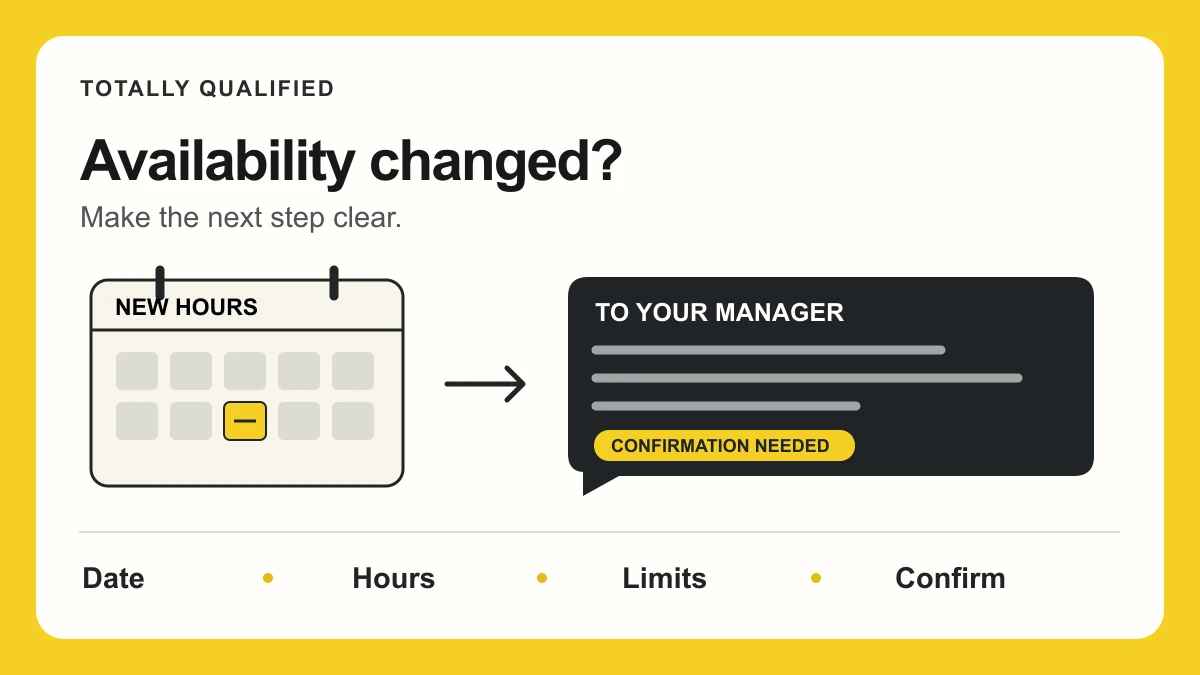
Tell your manager what’s changing, when it starts, and the exact hours you can work. Use your workplace’s request process, then ask for confirmation. A short conversation can help, but leave a written version so neither of you has to reconstruct the details later.
The part that’s easy to miss: sending new availability doesn’t settle what happens to shifts you’ve already been assigned. Flag those separately. Your goal is a clear request and a workable next step—not a message that assumes approval.
This guide is for people who already have the job. If you’re still applying, use our guide to writing availability on a job application instead.
Check what’s on file before you send the message
Look at your recorded availability and the latest posted schedule. Those aren’t necessarily the same thing: one describes when you can work; the other assigns actual shifts.
Then check the handbook, scheduling app, or instructions from whoever builds the schedule. Find out where to submit changes, who reviews them, and whether there’s an internal cutoff. If that process isn’t clear, ask your manager which channel to use.
Tell them as soon as you know the change is needed, ideally before the next schedule is built. Don’t treat “two weeks” as a universal rule. Follow the process that applies to your workplace, and flag an urgent conflict promptly rather than waiting to give an ideal amount of notice.
Apps also work differently. Microsoft Shifts distinguishes recurring availability from specific dates. In 7shifts, when availability approvals are enabled, a submission can remain pending until a manager reviews it. Don’t assume tapping Save means the request is approved.
Write the change so someone else can schedule from it
Start with the difference between what’s on file and what you can now do. “My availability changed” makes your manager ask several follow-up questions. “Starting November 2, I need to finish by 5:30 p.m. on Wednesdays; my other days stay the same” gives them something to evaluate.
Use this five-line note before writing your message. It’s a planning aid, not a form you have to submit:
- Effective date: When does the change begin?
- Old → new: Which days or time windows change? Which stay the same?
- Hard limit: What can you no longer cover? Use a latest end time, not just “no late shifts.”
- Duration: Is this ongoing, or does it end on a particular date?
- Confirmation: Who needs to respond, and where should the update appear?
For a temporary change, include both dates and say what you expect to happen afterward. If you don’t know the end date, say that and propose a check-in date. Don’t enter a guessed end date that quietly restores hours you still can’t work.
Build in travel time. A class ending at 3 p.m. doesn’t make you available for a shift across town at 3 p.m. If a shift crosses midnight, write both days so “Friday night” isn’t open to interpretation.
A brief reason can help explain the request. You can start with the scheduling impact rather than a long personal account: classes now end later, a regular commitment has changed, or a temporary responsibility limits your hours. This isn’t a rule about what information a formal leave or accommodation process may require. Keep sensitive details out of a group chat and ask for the appropriate private channel if needed.
Four messages you can adapt
These are fictional examples. Use only the dates, reasons, and alternatives that are true for you. The point is to make your request understandable, not to find a phrase that guarantees a yes.
A short text when one day changes
Hi Jordan—starting November 2, I need to finish by 5:30 p.m. on Wednesdays instead of 8 p.m. My Wednesday start time and other days stay the same. Could you let me know whether that works for upcoming schedules? I’ll submit it in the app too.
Use text only if it’s a normal work channel. If you already know a posted Wednesday shift runs later, identify that conflict in the same conversation; don’t leave your manager to discover it.
A brief email for an ongoing class schedule
Subject: Availability change starting November 2
Hi Jordan,
My class schedule is changing. Starting November 2, I can work Mondays and Wednesdays from 4–9 p.m., instead of 2–9 p.m. My availability on the other days is unchanged. This is an ongoing change, with no end date planned.
I’ve submitted the update through our scheduling system. Could you confirm whether it can be approved and which schedule it would first apply to? I can talk after my shift if that’s easier.
Thanks,
Alex
“Ongoing” is useful when you mean a lasting change. If this only lasts through a semester, replace that sentence with the actual end date and what happens next.
A temporary change with a return date
Hi Jordan, I have a temporary family commitment from November 2 through November 22. During that period, I can work Monday–Friday, 9 a.m.–2 p.m., instead of 9 a.m.–5 p.m. My weekend availability is unchanged. I expect to return to my usual weekday hours on November 23. Could we discuss whether those shorter shifts are workable and how to record the temporary change?
This example describes a real limit while asking about the scheduling arrangement. Don’t offer to work later “if needed” when you actually can’t.
A note attached to a scheduling-app request
Starting November 9, my second job means I can begin Tuesday and Thursday shifts at 6 p.m., not 4 p.m. I’m still available until 10 p.m. on those days; all other availability is unchanged. I’ve entered this as an ongoing request. Please confirm once it’s reviewed. I also have a conflict with the November 12 shift already posted for 4 p.m.—I’ll contact you separately about that shift.
The app entry and message should agree. If you correct a mistake, clearly identify the replacement version rather than leaving two different sets of hours in the conversation.
If the schedule is already posted, handle that conflict separately
A recurring availability update concerns future scheduling. Being unable to work an assigned shift needs a specific response now.
Name the date and shift time you can’t cover. Use the workplace’s established procedure for a schedule change, coverage request, or call-out, as appropriate. Ask who must approve the arrangement. Don’t assume an app update cancels a shift or that a coworker’s informal agreement completes the process.
If the shift is close and you haven’t heard back, use the designated urgent contact route. Don’t rely on an unread email or simply disappear from the schedule.
Get a clear answer—and check the next schedule
After an in-person conversation, send a short written recap of what was agreed, including the start date and any temporary end date. If the response was unclear, ask whether the request is approved, still being considered, or needs a different arrangement.
Check the recorded availability and next posted schedule. Keep your own request and response somewhere you can find them without saving coworkers’ personal information.
If there’s no reply, base your follow-up on the upcoming schedule and the urgency of the conflict—not an invented 24- or 48-hour rule. For example:
Hi Jordan, following up on the availability request I sent Monday. It starts November 2, and I understand the next schedule is being prepared Friday. Is there anything else you need from me to review it? Please let me know its status before that schedule is finalized.
Use that deadline only if you actually know it. If a second message gets no response, follow the handbook’s contact route or ask the scheduling supervisor how to get the request reviewed. Silence isn’t confirmation.
If the new hours don’t work for your manager
Ask which part creates the problem: a particular day, the start date, closing coverage, or the length of the shift. You may have a genuine alternative, such as a different day or a temporary transition. Offer it only if you can keep that commitment.
Then discuss what the arrangement would mean for your scheduled hours. A wider available window isn’t a promise of more work, and a narrower one may affect the shifts offered. Our guide to part-time hours and what’s actually guaranteed explains why those are separate questions.
If there’s no workable agreement, be honest about whether you can meet the role’s requirements. If you consider another position, use the hourly job offer checklist to settle the schedule expectations before accepting it.
A change involving health, disability, leave, or another potentially protected situation may need a different process and situation-specific guidance. This communication guide doesn’t determine anyone’s legal rights.
Before you send your request, check three things: the dates match, the hours are realistic, and it’s clear what response you need. That gives both of you a concrete next step—even if the answer still requires a conversation.